Lyric motion
Any text as kinetic type, by pressing L.
Before and after
The best tools disappear. They show up when you need them, and get out of the way when you don't. That is the whole idea.
Have Peesuto? Copy the sample (or any text), press ⌥V, then L.
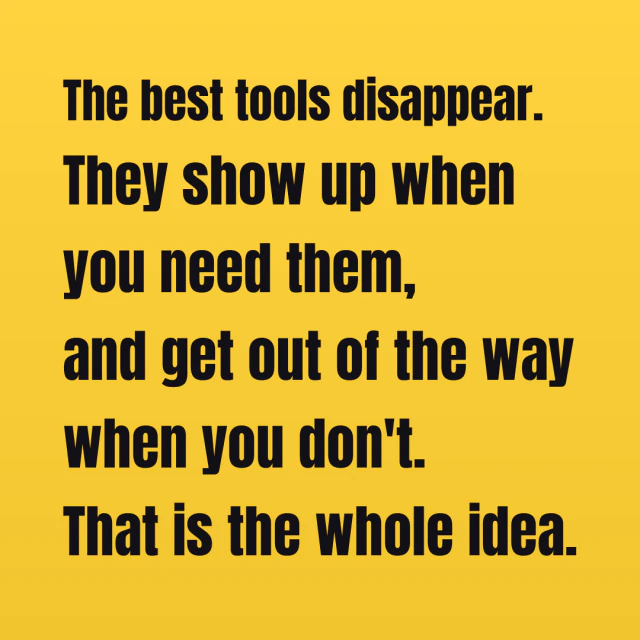
4 styles
Switch after pasting, or pick a default in Settings › Templates.
Square or wide
Images fit their content by default; choose 1:1, 4:5, 16:9 or 9:16 for any output. Content that does not fit a fixed frame grows the image, or scrolls in a GIF or video; nothing is cut.
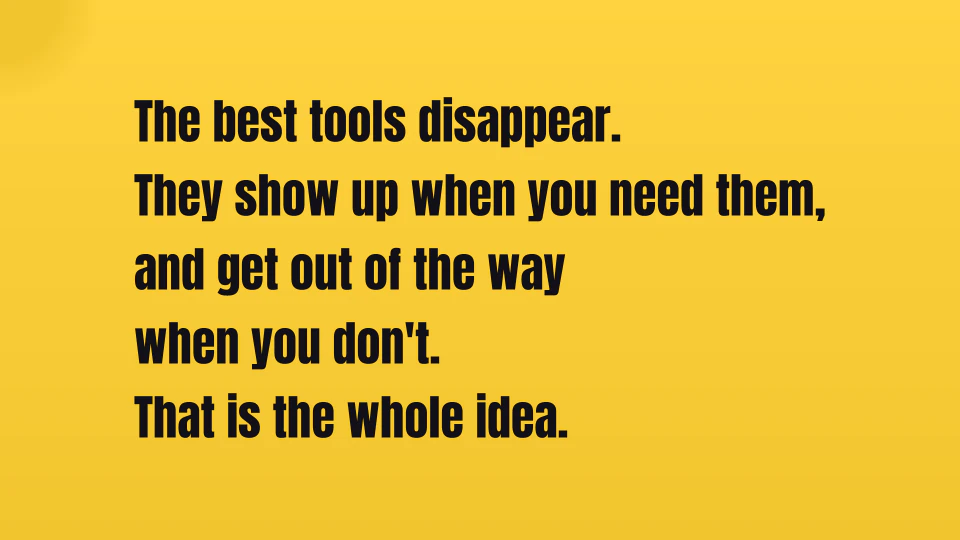
In motion
Press L in the chooser: each sentence or clause gets its own screens, set big in the style's display type, one of twenty-odd compositions per cut, with colour cuts on the beat. It makes a GIF; set Lyric motion to Video or Poster in Settings › Templates, or switch one result in its format menu.
How Peesuto recognises it
Chosen by you: press L in Paste as… (⌥V). Any text works. Prose is cut into screens at its sentence ends and clause marks, short phrases kept together and long ones broken between words; song lyrics, LRC files and poems keep their own lines. JIZURA's markup works: / cuts a line, *word* is emphasis, a final ! flashes, lyric|note adds a note. Code and tables are better as an image, and it says so.
The exact rules are in docs/templates.md.